

Our Verdict
Wired ethernet remains the more reliable, lower-latency choice for stationary, high-demand tasks. Wi-Fi has improved dramatically and handles everyday browsing and streaming well, but it still can't fully replicate the consistency of a physical cable. Most users benefit from a hybrid approach rather than committing entirely to one type.
| Best for | Recommended |
|---|---|
| Gamers, remote workers on video calls, and heavy file sharers | Wired Ethernet |
| Smartphones, tablets, and devices used across multiple rooms | Wi-Fi |
| Home offices balancing convenience with performance | Hybrid (both) |
Why This Question Still Matters
Wireless connectivity is now built into nearly every device we own, making it easy to assume cables are a relic. But ethernet — the technology behind physical network cables — hasn't faded. In fact, for a meaningful slice of everyday use cases, plugging in a cable is still the smarter move.
Understanding when each connection type wins requires looking past raw speed numbers. Factors like latency (the delay between sending and receiving data), signal consistency, and physical environment all play a role. For a deeper look at what those metrics actually mean, see our guide to internet speeds.
How Wired and Wireless Connections Actually Differ
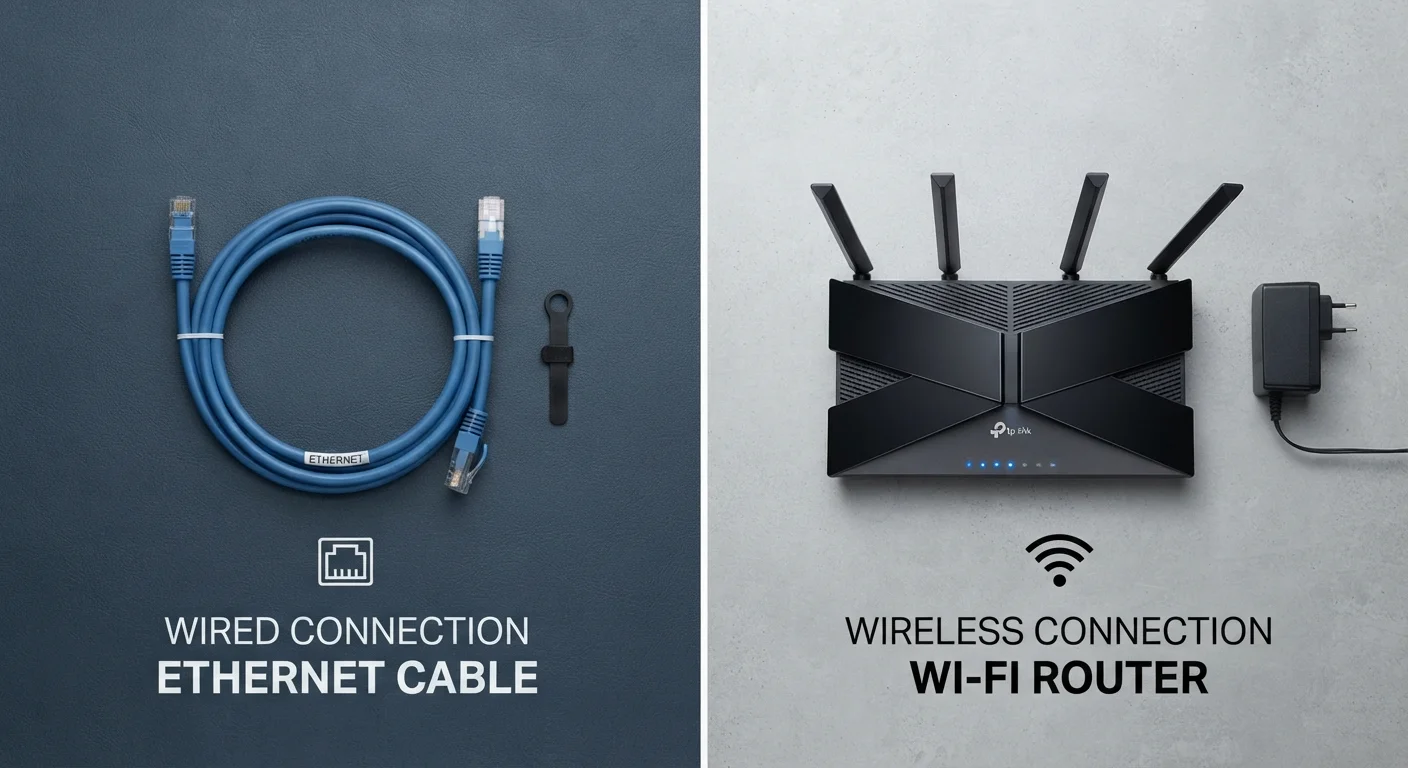
A wired ethernet connection transmits data as electrical signals through a shielded copper cable, creating a dedicated, interference-free path between your device and router. A Wi-Fi connection, by contrast, transmits data as radio waves — signals that can be weakened by walls, competing devices, neighboring networks, and even household appliances like microwaves.
This fundamental difference explains most of the performance gap. Radio signals are shared, variable, and subject to environmental noise. A cable is none of those things.
| Wired Ethernet | Wi-Fi | |
|---|---|---|
| Typical latency | 1–5 ms | 10–50+ ms |
| Speed consistency | Very stable | Variable — affected by environment |
| Interference susceptibility | None | High — walls, devices, neighbors |
| Device mobility | None — tethered to cable | Full — roam anywhere in range |
| Setup complexity | Requires cable runs | Minimal — connect and go |
| Best use cases | Gaming, video calls, file transfers | Mobile devices, casual browsing |
To understand the handshake process your device goes through every time it connects wirelessly, our article on what happens when you connect to Wi-Fi explains it step by step.
Where Wired Still Wins
Despite Wi-Fi's convenience, wired connections hold clear advantages in specific situations:
- Online gaming: Even modest latency spikes can affect gameplay. Ethernet keeps latency consistently low and eliminates the packet loss that wireless interference can introduce.
- Video conferencing: Dropped frames and audio glitches on calls often trace back to inconsistent Wi-Fi. A wired connection smooths out those fluctuations.
- Large file transfers and backups: Moving gigabytes of data — whether to a NAS (network-attached storage) device or cloud service — completes faster and more reliably over ethernet.
- Smart TVs and streaming boxes: These stationary devices rarely need to move, making an ethernet port an easy upgrade over Wi-Fi.
Check Your Router's Ethernet Ports First
Most home routers include four ethernet ports on the back — often underused. Before buying new hardware, check whether your stationary devices (TV, console, desktop) are close enough to the router for a direct cable run. A single ethernet cable purchase can meaningfully improve performance for those devices at minimal cost.
For a broader look at wired-versus-wireless trade-offs across gadgets, see our gadget-focused comparison.
Where Wi-Fi Makes More Sense
Wi-Fi's strengths are equally real. Modern standards — including Wi-Fi 6 (802.11ax) and Wi-Fi 6E — deliver throughput fast enough for almost any consumer task, and their advantages over ethernet are practical ones:
- Mobile devices: Phones, tablets, and laptops move around. Running ethernet cables to them is impractical by definition.
- Rental homes and apartments: Drilling walls and running cable isn't always an option. Wi-Fi keeps infrastructure minimal.
- Casual everyday use: Social media, email, web browsing, and standard-definition streaming don't push performance boundaries where the wired advantage becomes noticeable.
- Smart home devices: Sensors, bulbs, and speakers rarely need the bandwidth where a cable would help.
~30%
Typical Wi-Fi overhead vs. ethernet
Wi-Fi protocols introduce protocol overhead and retransmission that can reduce effective throughput by roughly 20–30% compared to a wired connection at the same rated speed.
Wi-Fi 6
Latest mainstream Wi-Fi standard
Wi-Fi 6 (802.11ax) supports theoretical speeds up to 9.6 Gbps and includes features designed to reduce congestion in dense multi-device environments.
Making the Hybrid Approach Work
For most households, the practical answer isn't choosing one type — it's using each where it fits. A simple strategy: run ethernet to the devices that stay put and demand consistent performance (desktop computers, gaming consoles, smart TVs), and let everything else connect wirelessly.
If running cables through walls isn't feasible, powerline adapters and MoCA adapters (which use existing coaxial cable wiring) can extend a wired connection to rooms without ethernet ports. These options sit between pure Wi-Fi and full rewiring in both cost and performance.
Whatever your setup, the connection type matters less than matching it to the task. A gamer on Wi-Fi 6 in the same room as the router will often perform better than someone on old ethernet hardware — context always shapes outcomes.
The content on this site is for informational purposes only and is not a substitute for professional advice. Always consult a qualified professional for guidance specific to your situation.