

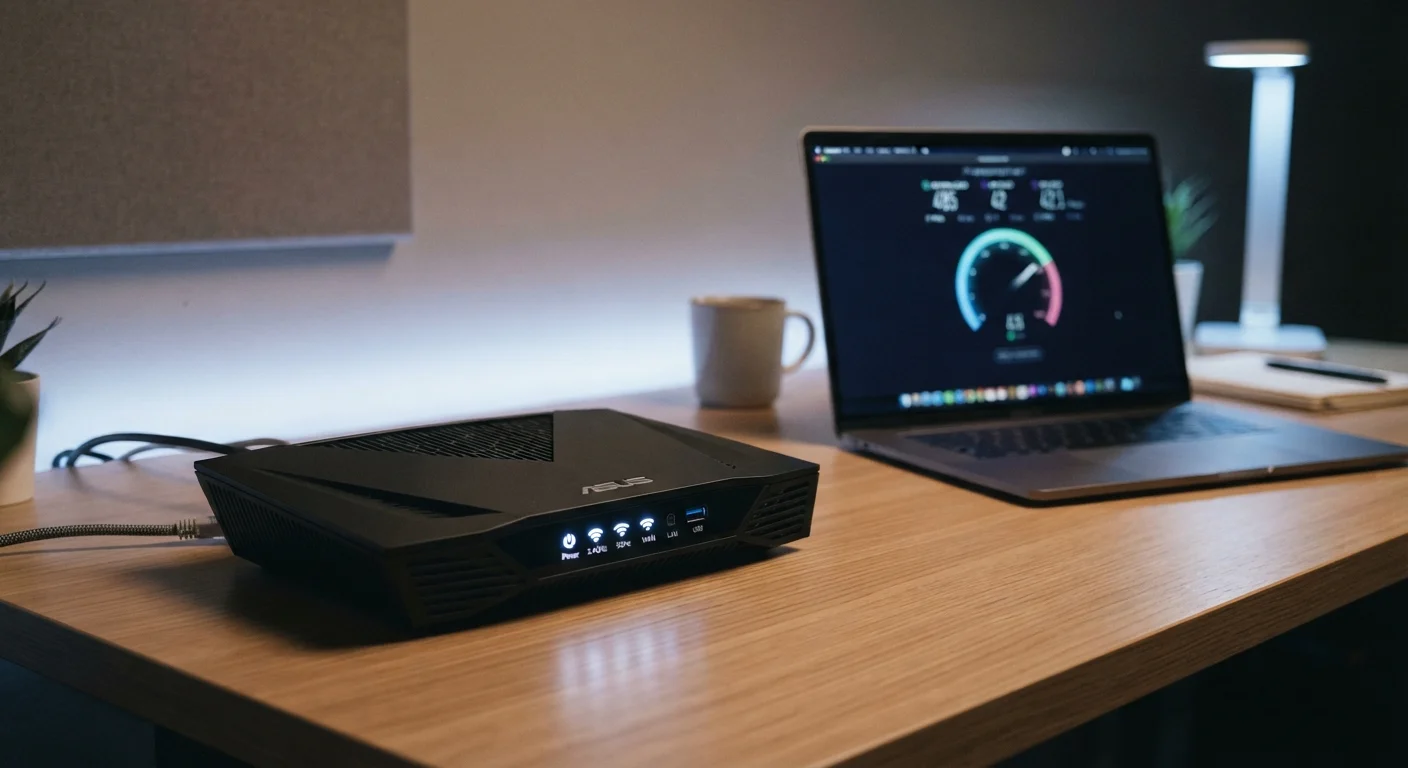
The Three Numbers That Define Your Connection
When you run a speed test or review an internet plan, you'll typically see three distinct measurements: download speed, upload speed, and latency (often called ping). Each one affects your online experience in a different way, and conflating them leads to confusion about why your connection underperforms in specific situations.
| Unit of Measurement | Megabits per second (Mbps) |
| Typical Household Download Need | 25–200 Mbps depending on users and usage (FCC Broadband Speed Guide) |
| Low Latency Benchmark | Under 20 ms (wired, fiber) |
| High Latency Concern Threshold | Above 100 ms for real-time use |
| HD Video Streaming Requirement | ~5–8 Mbps per stream |
| 4K Video Streaming Requirement | ~20–25 Mbps per stream |
Download speed measures how fast data travels from the internet to your device — the metric that governs streaming video, loading web pages, and receiving files. Upload speed runs in the opposite direction: how quickly your device sends data outward, which matters for video calls, cloud backups, and posting large files. Latency is the round-trip time for a small packet of data to travel from your device to a server and back, measured in milliseconds (ms). A fast download connection with high latency can still feel sluggish in real-time applications like video conferencing or online gaming.
For a deeper look at the units behind these figures — megabits versus megabytes, Mbps versus MBps — see our plain-English breakdown of bandwidth units.
What Each Metric Actually Affects Day to Day
Most households consume far more download bandwidth than upload bandwidth, which is why ISPs typically advertise asymmetric plans (e.g., 500 Mbps download / 20 Mbps upload). That ratio works fine for passive consumption — streaming, browsing, downloading software updates — but it becomes a bottleneck the moment you shift toward sending data outward.
Download Speed
The rate at which data travels from the internet to your device, measured in megabits per second (Mbps). Higher download speeds benefit streaming, browsing, and receiving large files.
Upload Speed
The rate at which your device sends data to the internet. Upload speed is the primary constraint for video calls, cloud backups, and publishing large files online.
Latency (Ping)
The round-trip time, in milliseconds, for a data packet to travel from your device to a server and back. Lower latency means more responsive connections, which matters most for real-time applications like gaming and video calls.
Bandwidth
The maximum data transfer capacity of a connection, typically expressed in Mbps or Gbps. Bandwidth sets an upper ceiling on speed, but real-world throughput is often lower.
Throughput
The actual data transfer rate achieved under real conditions, as opposed to the theoretical maximum bandwidth advertised by an ISP. Throughput is affected by congestion, hardware, and network path.
Asymmetric Connection
An internet plan where download and upload speeds differ — typically with download speeds far exceeding upload speeds. Most consumer broadband plans are asymmetric.
Consider these common use cases:
- Streaming video (HD): Generally requires 5–25 Mbps download per stream, depending on resolution. The figure is per simultaneous stream, so a household watching on three devices at once multiplies that demand.
- Video calls: Primarily an upload-speed and latency challenge. A stable, low-latency upload connection matters more than raw download speed here.
- Cloud gaming: Highly sensitive to latency. Even a connection with excellent download speeds can produce input lag if round-trip time exceeds roughly 40–60 ms.
- Remote work file transfers and backups: Upload speed is the limiting factor when syncing large files to cloud storage or sending projects to a remote server.
- Smart home devices: Each device adds a modest background load; in aggregate, a home with many connected devices benefits from a higher overall bandwidth ceiling.
Latency is also shaped by your connection type and physical path to servers. Fiber-optic connections typically deliver the lowest latency; satellite internet — especially traditional geostationary satellite — can produce latency in the hundreds of milliseconds due to the signal's travel distance. For a clear comparison of how your connection medium interacts with these metrics, see wired vs. wireless trade-offs for everyday gadget users.
Speed Tests Measure a Snapshot, Not a Guarantee
Results from a speed test reflect conditions at the moment of the test — time of day, server location, and current network load all influence the reading. Running multiple tests at different times gives a more representative picture of your connection's typical performance. Testing over a wired Ethernet connection (rather than Wi-Fi) isolates your ISP's performance from variables introduced by your home network.
Matching Your Plan to Your Household's Real Needs
Internet plans are sold on peak download speeds under ideal conditions. Real-world throughput — the actual data rate you experience — is often lower due to network congestion, router placement, Wi-Fi interference, and the number of devices actively using the connection simultaneously.
25 Mbps
FCC minimum broadband definition (download)
The U.S. Federal Communications Commission defines broadband as at least 25 Mbps download and 3 Mbps upload, though many providers and analysts consider this floor outdated for modern households.
~40–60 ms
Latency threshold for noticeable gaming input lag
General industry guidance suggests round-trip latency above this range can produce perceptible input delay in real-time online games.
600+ ms
Typical latency for geostationary satellite internet
The long signal path to and from a geostationary orbit satellite introduces substantial latency regardless of advertised download speeds.
A practical approach to evaluating your needs:
- Count concurrent users and devices. Calculate peak simultaneous demand, not theoretical maximum. Two people streaming 4K video while a third handles a video call represents a realistic worst-case scenario for many households.
- Audit your upload habits. If anyone in the household regularly uploads large files, streams to an audience, or relies on video calls for work, prioritize plans with higher upload speeds — not just headline download figures.
- Test your current latency. Free speed-test tools report latency alongside speeds. If your ping consistently exceeds 100 ms on a wired connection, the issue may lie with your ISP's routing rather than your plan tier.
- Factor in growth. Smart home devices, additional residents, and higher-resolution content gradually increase bandwidth demand over a plan's contract period.
Understanding these metrics also puts you in a better position when evaluating device specs more broadly. Knowing that a router's Wi-Fi standard affects effective throughput, for example, is directly relevant — much like understanding how RAM or processing power shapes device performance. See our plain-English guide to device specs for that context. For foundational definitions of terms like bandwidth, packet loss, and throughput, the Tech Basics glossary is a useful companion reference.
The content on this site is for informational purposes only and is not a substitute for professional advice. Always consult a qualified professional for guidance specific to your situation.