

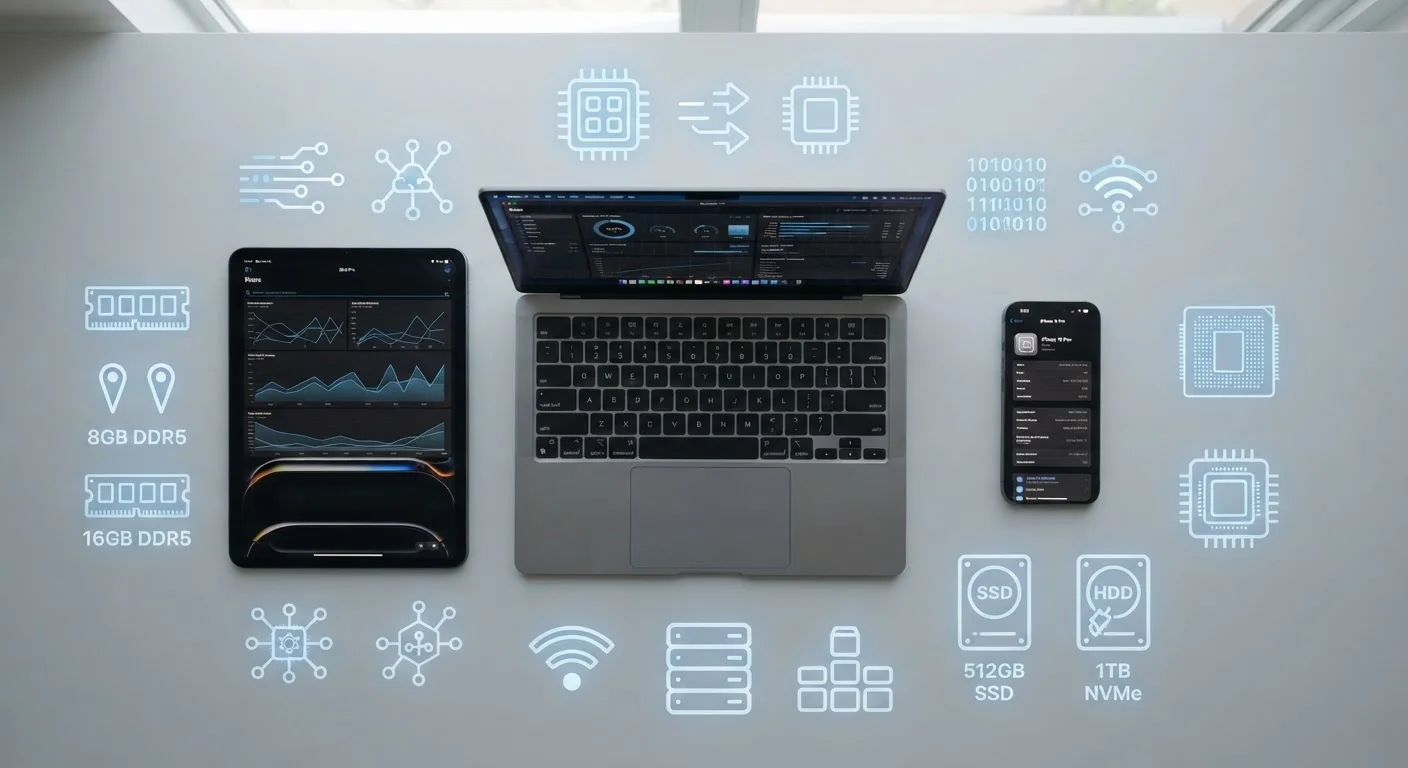
Why Spec Numbers Matter (and Why They're Often Misread)
When you pick up a new phone, laptop, or tablet, the spec sheet is the first place manufacturers want you to look. Numbers like "128GB storage," "8GB RAM," and "octa-core processor" appear everywhere — but without context, they're easy to misinterpret or ignore entirely.
The confusion is understandable. Storage and RAM are both measured in gigabytes, yet they do completely different jobs. Processor speed is listed in gigahertz, but a higher number doesn't automatically mean a faster device. These three specs — storage, RAM, and processing power — work together, and understanding each one helps you make sense of how a device actually performs in daily use.
This guide explains each spec in plain language, what it affects, and what the numbers on a box genuinely tell you. For a deeper look at how storage and RAM interact, see our RAM vs. Storage explainer.
| Storage purpose | Permanent file and app retention |
| RAM purpose | Active working memory for running tasks |
| Processor purpose | Executes all device instructions and calculations |
| Storage unit | Gigabytes (GB) or Terabytes (TB) |
| RAM unit | Gigabytes (GB) |
| Processor speed unit | Gigahertz (GHz); core count listed separately |
| Typical phone RAM range | 4GB (entry) to 16GB+ (flagship) |
| Clears on restart? | RAM: yes. Storage: no. |
Storage: Where Your Files Actually Live
Storage is the permanent space on a device — where your photos, apps, documents, music, and the operating system itself reside. When you turn a device off, everything in storage stays put. Think of it as a filing cabinet: organized, persistent, and available whenever you open the drawer.
Storage capacity is measured in gigabytes (GB) or terabytes (TB). Consumer devices typically range from 64GB on entry-level phones to 2TB or more on high-end laptops. What fills that space? Apps, media files, offline content, and system files all count toward your total.
Beyond capacity, storage type matters. Most modern phones and laptops use solid-state storage (often called SSD or flash storage), which is faster and more durable than the spinning hard drives (HDDs) found in older computers. Faster storage means apps open more quickly and files load with less delay.
If a device is running slowly and shows a storage warning, that's a meaningful signal — an overfull drive can slow down read/write operations. You can expand your options through cloud vs. local storage strategies.
Storage (Flash/SSD)
Permanent memory that retains your files, apps, and data even when the device is powered off. Modern devices use solid-state (flash) storage, which is faster and more reliable than older spinning hard drives.
RAM (Random Access Memory)
Temporary, fast-access memory that holds whatever the device is currently doing. It is cleared when the device restarts. More RAM allows more apps and tasks to stay active simultaneously.
CPU (Central Processing Unit)
The main processor chip that carries out instructions from software. Its performance is described by clock speed (GHz) and the number of processing cores.
Clock Speed (GHz)
A measure of how many processing cycles per second a CPU can perform. Higher clock speed can mean faster execution of individual tasks, though chip architecture also plays a major role.
Core Count
The number of independent processing units inside a CPU. More cores allow the processor to handle multiple tasks at the same time, improving multitasking and performance under heavy workloads.
SSD vs. HDD
SSDs (solid-state drives) use flash memory and have no moving parts — they are faster and more durable. HDDs (hard disk drives) use spinning magnetic disks and are found mainly in older or budget computers.
RAM: The Workspace Your Device Uses Right Now
RAM — short for Random Access Memory — is temporary working memory. It holds whatever your device is actively doing: the browser tabs you have open, the app running in the foreground, and any processes running quietly in the background. When you close an app or restart the device, that RAM is cleared.
A useful analogy: if storage is a filing cabinet, RAM is the desk surface where you spread out the files you're currently working on. A bigger desk means more things open at once without shuffling papers back and forth.
More RAM generally means smoother multitasking. A phone with 4GB of RAM will struggle to keep multiple apps loaded at once; 8GB to 12GB is common in mid-range phones and handles most everyday tasks comfortably. Laptops doing heavier work — video editing, running multiple applications — benefit from 16GB or more.
RAM vs. Storage: A Common Mix-Up
Many people assume a "full" phone is why it runs slowly — but storage capacity and RAM are separate systems. A device can have plenty of free storage and still feel sluggish if its RAM is being stretched too thin. Conversely, clearing storage space won't necessarily speed up active performance. Our dedicated RAM vs. storage guide explains the distinction in detail.
Low RAM often shows up as apps reloading from scratch when you switch back to them, or as general sluggishness when many things are open simultaneously. Storage space, by contrast, affects how much you can save — not how smoothly things run right now.
Processing Power: The Brain Behind Every Action
The processor — also called the CPU (Central Processing Unit) — executes every instruction the device receives. Every tap, swipe, calculation, and data transfer passes through it. Processing power determines how quickly and efficiently the device completes those tasks.
Specs are described using two main figures: clock speed (measured in gigahertz, or GHz) and core count. Clock speed is how many cycles per second the processor runs; higher numbers generally mean faster single-task performance. Core count refers to how many independent processing units the chip contains — more cores allow more tasks to run simultaneously.
Modern processors in phones and laptops routinely have 8 or more cores, often split into efficiency cores (for light tasks, preserving battery) and performance cores (for demanding work). A chip with a modest clock speed but smart architecture can outperform a higher-GHz chip from an older generation.
The processor also works in close coordination with RAM and storage. A fast processor can be bottlenecked by insufficient RAM or slow storage — which is why specs are best understood as a system, not individual numbers. The operating system layer also plays a role in how efficiently processor resources are distributed.
~8 cores
Typical core count in modern smartphones
Most mid-range and flagship phones as of recent years use processors with 8 cores, often split between performance and efficiency clusters.
16GB
Common RAM for general-purpose laptops
16GB of RAM has become a widely cited baseline for comfortable multitasking on modern laptops, according to device manufacturer spec sheets.
3x+
Speed difference between SSD and HDD storage
SSDs can deliver read speeds several times faster than traditional spinning hard drives, noticeably reducing app load and boot times.
Reading Specs Together: A Practical Framework
No single spec tells the whole story. A device with a powerful processor but very little RAM may feel choppy under everyday multitasking. A phone with abundant storage but slow flash memory may lag when loading apps. The three specs work as a system.
When evaluating a device, consider what you actually do with it. Light use — calls, messaging, social media, web browsing — demands far less than video editing, gaming, or running productivity software. Match the spec tier to real-world needs rather than chasing the highest numbers available.
For terminology you encounter beyond these three specs — terms like cache, bandwidth, or encryption — our plain-English tech glossary covers the broader vocabulary. And if charger and port labels on your devices also feel cryptic, see USB port types explained and what charger numbers mean.
Understanding specs doesn't require an engineering background — it just requires knowing which number answers which question. Storage answers how much can I keep? RAM answers how much can I do at once? And processing power answers how fast does it all happen?
The content on this site is for informational purposes only and is not a substitute for professional advice. Always consult a qualified professional for guidance specific to your situation.