

Our Verdict
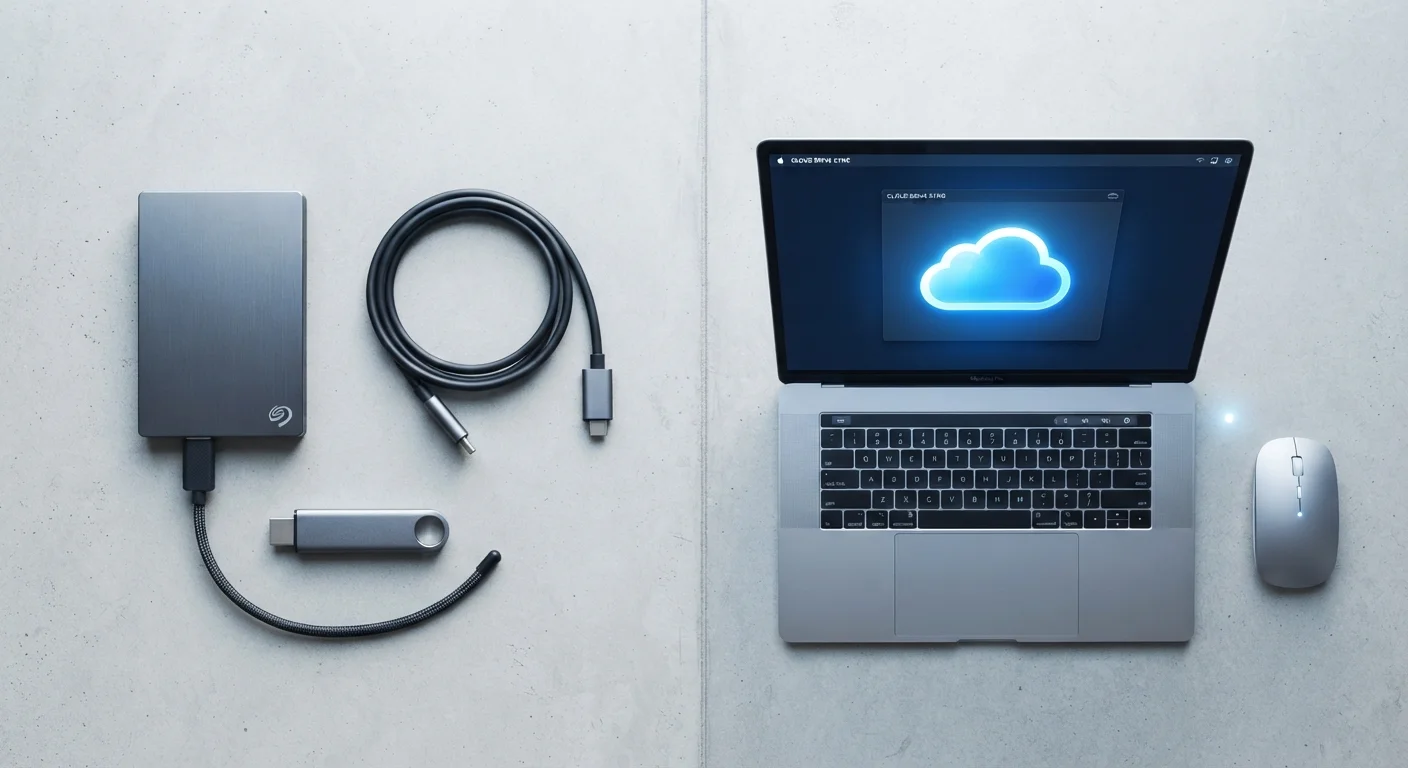
Neither cloud nor local storage is universally superior — they address different needs. Cloud storage excels when accessibility, sharing, and automatic backup matter most. Local storage wins when you need speed, offline reliability, or tighter control over who can see your data. Understanding both helps you store smarter.
| Best for | Recommended |
|---|---|
| People who work across multiple devices or locations | Cloud Storage |
| Those with privacy concerns or limited internet access | Local Storage |
| Users with large media libraries who want fast access without buffering | Local Storage |
| Anyone who needs automatic, low-effort file backup | Cloud Storage |
What Each Storage Type Actually Means
Local storage refers to any physical medium attached to or inside your device — internal hard drives, solid-state drives (SSDs), USB flash drives, and external hard drives all qualify. When you save a file to your desktop or download a photo to your phone, it lives on local storage. No internet connection is required to access it.
Cloud storage means your files are transmitted over the internet and saved on remote servers maintained by a service provider. When you upload a document to a cloud service, you're essentially placing a copy of it on a company's data center — potentially thousands of miles away. You then retrieve it through an app or browser whenever you need it. For a deeper look at what that actually involves, see where your files actually go in the cloud.
The key distinction isn't just physical location — it shapes how you access, protect, and share everything you create or collect digitally.
Accessibility and Convenience
Cloud storage's defining advantage is device-independent access. Log in from a work computer, a borrowed tablet, or a new phone and your files are there. This also makes sharing straightforward — you can send a link rather than emailing large attachments.
Local storage, by contrast, ties your files to a specific device or drive. If you leave your external hard drive at home, those files aren't reachable from your office. However, that same independence from the internet is an asset: local files open instantly without buffering or loading, and work perfectly in areas with weak or no connectivity.
For users who stream or manage large video and audio collections, local storage often delivers a noticeably snappier experience. If you're curious how cloud-based streaming affects data usage in the background, streaming services and data usage is worth reading alongside this comparison.
| Cloud Storage | Local Storage | |
|---|---|---|
| Internet required | Yes — to upload and retrieve files | No — works fully offline |
| Access across devices | Any device, anywhere with a connection | Limited to device or drive present |
| Cost structure | Ongoing subscription fees | One-time hardware purchase |
| Privacy control | Third-party provider handles data | Owner controls access entirely |
| Risk of data loss | Provider outage or account issue | Device theft, damage, or drive failure |
| Ease of sharing files | Simple link sharing | Requires physical transfer or email |
| Setup complexity | Account creation and app install | Plug in or already built into device |
Privacy and Security Considerations
With local storage, you are the primary gatekeeper. Files stay on hardware you physically control, which means no third party has routine access to them. The risk, however, is physical: a lost, stolen, or failing drive can mean permanent data loss. A hard drive that hasn't been backed up elsewhere offers no recovery path if it breaks.
Cloud storage shifts custody to a service provider. Reputable providers use encryption — both during file transfer and while files sit on their servers — but your data is subject to their terms of service, their security practices, and theoretically their legal obligations if a government authority makes a valid request. That doesn't mean cloud storage is inherently unsafe, but it does mean understanding what you're consenting to when you sign up for a service matters.
Cloud Services Can Change Terms or Shut Down
Cloud storage services occasionally revise pricing, reduce free storage tiers, or — in rarer cases — discontinue entirely. Relying solely on a single cloud provider without any local backup creates a dependency risk. Review service terms periodically and maintain at least one additional copy of files you can't afford to lose.
For everyday users, the practical security question is often simpler: which risk are you more likely to actually experience — a hard drive failing, or a cloud account being compromised? Both are real possibilities, which is why redundancy (keeping copies in more than one place) is a widely recommended practice among IT professionals.
Cost, Capacity, and Long-Term Value
Local storage involves an upfront hardware purchase. A 1-terabyte external hard drive can be purchased once and used for years with no recurring fees. Capacity is fixed — you know exactly how much space you have — and there are no surprises on a monthly bill.
Cloud storage is typically sold as a subscription. Free tiers exist but usually offer limited capacity — often 5 to 15 gigabytes — after which monthly or annual fees apply for more space. Costs can add up across multiple services, especially if you're subscribed to separate ones for photos, documents, and backups. Understanding how storage relates to overall device performance can also clarify your choices; the difference between RAM and storage is a useful companion concept here.
94%
Enterprises using cloud services
According to Flexera's State of the Cloud reports, the vast majority of organizations use some form of cloud infrastructure, reflecting how central it has become to data management.
~$0.02/GB/month
Approximate object storage cost
Major cloud infrastructure providers publicly list object storage pricing in the range of a few cents per gigabyte per month, though consumer-tier pricing varies by service and plan.
The value equation shifts depending on use. Frequent travelers who need files on any device may find a cloud subscription worthwhile. Users who primarily work from one machine and store large files may find local hardware more economical over time.
Making the Two Work Together
For most everyday users, the most practical approach isn't choosing one over the other — it's using both intentionally. A common pattern: keep active working files synced to a cloud service for easy access and automatic backup, while archiving large or sensitive files on a local drive you control.
This hybrid strategy reduces single points of failure. If your laptop is stolen, your cloud copies remain. If a cloud service changes its pricing or shuts down, your local copies persist. Think of it as digital redundancy — the same logic that makes photocopying important documents sensible. For a broader understanding of how storage capacity fits into the devices you use daily, device specs explained in plain English provides useful grounding. You can also explore more everyday digital decisions in the Digital Life hub.
A Simple Backup Rule Worth Knowing
IT professionals often reference the 3-2-1 backup principle: keep three copies of your data, on two different types of storage media, with one copy stored offsite (which cloud storage can fulfill). Applying even a simplified version of this — one local copy plus one cloud copy — significantly reduces the chance of permanent file loss. It takes a few minutes to set up and can save considerable frustration later.
The content on this site is for informational purposes only and is not a substitute for professional advice. Always consult a qualified professional for guidance specific to your situation.