

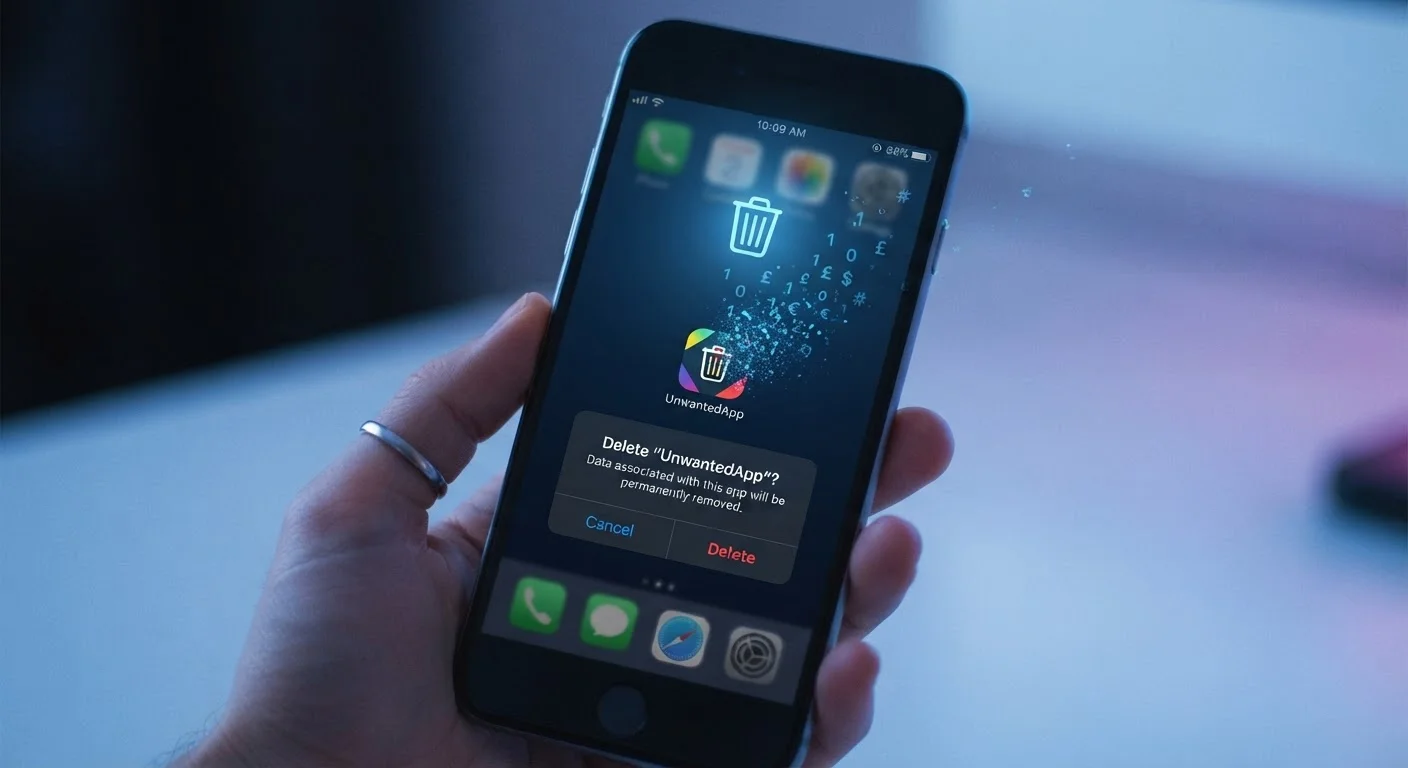
What Actually Gets Deleted When You Remove an App
Pressing and holding an app icon and tapping "Delete" feels decisive — but the reality is more layered. When you uninstall an app, your operating system removes the app's executable files, its locally cached data, and any documents it stored in its designated folder on your device. From your phone's perspective, the app is gone.
What doesn't disappear is everything that already left your device. The moment you created an account or used a feature that synced to the cloud, that data was transmitted to the company's servers. Deleting the app ends the relationship on your end; it doesn't automatically instruct the server to forget you ever existed.
Think of it this way: removing the app is like canceling a newspaper subscription by throwing away your last copy. The publisher still has your mailing address on file.
Local vs. Server-Side Data
Operating systems like iOS and Android store app data in sandboxed directories — isolated storage areas specific to each app. When the app is deleted, this local sandbox is cleared. But if the app synced that data to the developer's cloud infrastructure, the local deletion has no effect on what's stored remotely. The two storage locations operate completely independently.
What Stays Behind — and Where
Several categories of data commonly persist after an app is deleted:
- Account information: Your name, email address, username, and password hash remain stored unless you close the account.
- Usage history: Activity logs, search history, and behavioral data collected during your use of the app are typically retained on company servers.
- Content you created: Photos, messages, notes, or other user-generated content synced to the service stay stored until deleted through the service itself.
- Payment records: Billing information and transaction history are often retained for legal and accounting purposes, even after you stop using a service.
- Third-party data: Information shared with advertising networks or analytics partners during your use of the app may persist independently of the app company.
Understanding where your data lives is an important part of managing your digital footprint. For a broader picture of how information moves off your device, see where your files actually go in the cloud.
How to Actually Remove Your Data
If your goal is a clean break, the process requires a few deliberate steps beyond the uninstall.
- Delete your account first: Before uninstalling, navigate to the app's account settings and look for an option to delete or deactivate your account. Many apps bury this option under "Privacy" or "Security."
- Submit a data deletion request: Under privacy regulations like GDPR (for EU residents) and the CCPA (for California residents), covered companies are required to honor requests to delete your personal data. Look for this option in the app's privacy policy or settings.
- Revoke third-party access: Check whether the app was connected to your Google or Apple account for sign-in. If so, revoke that access separately through your Google Account settings or Apple ID settings.
- Check for linked services: Some apps connect to other platforms — a fitness app syncing to your health account, for example. Disconnect these before leaving.
Delete Your Account Before You Uninstall
The most reliable sequence is: delete your account (or submit a data deletion request) first, then uninstall the app. If you uninstall first, you may lose easy access to account management features, making it harder to find and use the deletion tools the app provides. Some services also require you to be logged in to process a deletion request.
For a complete guide to permissions the app held while installed, reviewing app permissions thoughtfully is a useful next step.
Why This Matters for Your Digital Privacy
The gap between deleting an app and deleting your data reflects a fundamental aspect of how most modern apps work: the app on your phone is often just an interface, while the actual service — and your data — lives elsewhere. This is worth understanding before you install anything, not just after.
52%
Americans concerned about app data privacy
A Pew Research Center survey found that roughly half of Americans feel they have little to no control over what companies do with their personal data.
30 days
Typical data retention window after account deletion
Many major platforms retain user data for a grace period — commonly 30 days — before permanently removing it, allowing users to restore their account if they change their minds.
Reading a privacy policy before installing an app reveals how long the company retains data, what it shares with third parties, and whether deletion requests are honored. It also tells you what you're agreeing to if you ever walk away. The hidden costs of free apps explores how data collection often underpins no-cost software — which makes knowing your exit options even more important.
If you're preparing to move on from a device entirely, the data-handling questions become even more pressing. Selling or donating an old device covers the steps to take before a phone or tablet changes hands.
Frequently Asked Questions
No. Deleting the app from your device does not delete your account. Your profile, saved preferences, and any data tied to that account typically remain on the company's servers until you explicitly close or delete the account through the app settings or the company's website.
Yes, in most cases companies can retain data according to the terms outlined in their privacy policy. Retention periods vary — some delete data shortly after account closure, others keep it for years. Depending on your location, privacy laws like GDPR or CCPA may give you the right to formally request deletion.
Start by deleting your account within the app or via the company's website before you uninstall. Many services also offer a formal data deletion request process, often found in account settings under 'Privacy' or accessible through their privacy policy page.
In-app purchases made through the App Store or Google Play are linked to your Apple or Google account, not the app itself. Paid content is generally recoverable by reinstalling the app and restoring purchases, as long as your account remains active.
Deleting the app does revoke the permissions it held on your device, such as access to your location or microphone. However, any data it already collected and sent to its servers remains there, and third-party advertising networks may still hold profile data associated with you.
Not necessarily from a deletion standpoint, but free apps often collect more data as part of their business model. Understanding how a free app monetizes itself helps clarify what data it collects and how long it may be retained after you leave.
The content on this site is for informational purposes only and is not a substitute for professional advice. Always consult a qualified professional for guidance specific to your situation.