

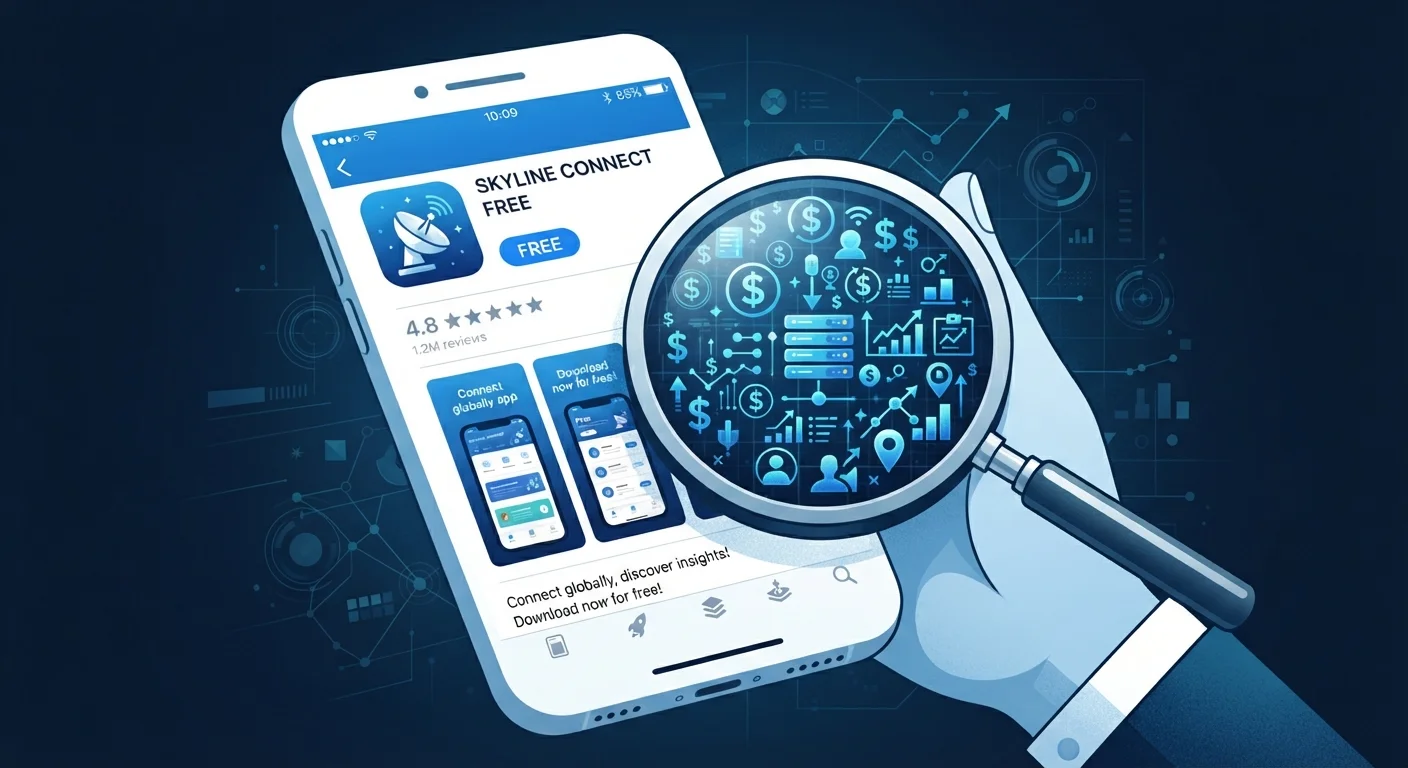
Why "Free" Is a Business Model, Not a Gift
When you download a free app, you're entering a commercial transaction — just not one that involves your credit card. App stores are filled with software that costs nothing to install because developers have found other, less visible ways to generate revenue. Understanding those revenue streams is the first step to making informed choices about the apps you install.
The fundamental economics are straightforward: building and maintaining an app costs real money. Developers cover those costs somewhere. When they don't charge users directly, they charge someone else — typically advertisers or data brokers — using you as the product or the audience.
97%
Share of mobile app revenue from free apps
According to Statista's analysis of global app store revenue, the overwhelming majority of mobile earnings come from free apps monetised through ads, in-app purchases, and subscriptions rather than upfront purchase prices.
~79
Average number of apps installed per US smartphone
Research from app analytics firms indicates most US smartphone owners have dozens of apps installed, many of which are free and run background processes or collect data passively.
Top 3
Most common free app permissions requested
Location, camera, and microphone access are among the most frequently requested permissions by free apps, according to mobile privacy research, though many use cases don't functionally require all three.
The Four Main Ways Free Apps Monetise
1. In-App Advertising
The most visible model. Ads appear as banners, full-screen interruptions, or rewarded videos. Advertisers pay the developer based on how many users see or click their ads. The more time you spend in the app, the more ad revenue it generates — which is why so many free apps are engineered to be addictive.
2. Data Collection and Sharing
Many free apps request access to your location, contacts, microphone, and browsing behavior — often beyond what the app's core function requires. This data is aggregated, analyzed, and in many cases shared with advertising networks or data brokers. Your digital habits are a marketable commodity. For a deeper look at what persists after you're done with an app, see what happens to your data when you delete an app.
3. In-App Purchases (IAPs)
Games, productivity tools, and social apps frequently offer a functional free tier while locking desirable content — extra lives, filters, templates, or storage — behind small one-time payments. These micro-transactions are calibrated to feel low-stakes individually but accumulate quickly. This pattern overlaps with broader spending leaks that quietly erode budgets.
4. Freemium Subscriptions
Arguably the most aggressive model: the app gives you just enough functionality to depend on it, then gates the features you actually want behind a recurring monthly or annual fee. Subscription prompts are timed and worded to maximize conversion — often appearing when you're most engaged with the app.
Check Your Subscription List Regularly
On both iOS and Android, you can view all active app subscriptions in one place through your account settings. Reviewing this list monthly takes under a minute and often surfaces recurring charges from apps you forgot you signed up for. Canceling unused subscriptions is one of the quickest ways to reclaim unnoticed spending.
What You're Actually Agreeing To
App permissions are where the hidden costs become most concrete. When an app asks to access your location continuously, read your contacts, or track your activity across other apps, those requests are how it collects the data it monetises. Most users tap "Allow" without reading permission prompts carefully.
Privacy policies — which users almost universally skip — detail how collected data is used, how long it's retained, and whether it's shared with third parties. Regulators in some jurisdictions require plain-language summaries, but enforcement and compliance vary widely.
Privacy Laws Vary by State and Country
Data privacy protections for app users differ significantly depending on where you live. California's CCPA, for example, gives residents the right to know what data is collected and to request its deletion. Other US states have varying protections. Checking whether an app offers a privacy rights request option can clarify what recourse you have.
Background data activity is another less-obvious cost. Streaming apps, for instance, can continue consuming bandwidth and battery even when you're not actively using them. Understanding how streaming apps use data in the background helps you manage both your privacy and your data plan.
How to Use Free Apps More Intentionally
You don't have to avoid free apps entirely — but treating them like any other consumer product means asking what they cost before you commit. A few practical approaches go a long way:
- Check permissions before installing. Both iOS and Android allow you to review what an app requests before granting access. If a flashlight app wants access to your contacts, that's a red flag.
- Audit installed apps periodically. Apps you no longer use still retain whatever permissions you granted. Remove apps you don't actively need.
- Use platform-level privacy controls. Both major mobile operating systems let you limit ad tracking and review which apps have access to sensitive data like location or camera.
- Read subscription terms before enabling trials. Many free apps start a paid subscription automatically at the end of a trial unless you cancel — and cancellation windows are often short.
Frequently Asked Questions
Free apps use several revenue models: in-app advertising, selling anonymized or targeted user data to third parties, offering premium in-app purchases, or gating key features behind a paid subscription. Many apps combine more than one of these methods simultaneously.
Many free apps are legitimate and safe, but they do collect varying amounts of user data. Reviewing an app's privacy policy and permission requests before installing helps you gauge what you're agreeing to. Apps from reputable developers and well-known app stores carry lower risk than those from unknown sources.
You can limit data collection by denying unnecessary permissions (such as location or contacts access), turning off ad personalization in your device settings, and opting out of data sharing where the app provides that option. Fully stopping all data collection is often not possible while continuing to use the app.
Deleting an app from your device doesn't automatically delete the data the developer has already collected and stored on their servers. To request data deletion, you typically need to contact the developer directly or use account deletion options within the app before uninstalling.
Not necessarily. Paid apps guarantee an upfront revenue model and often come with fewer ads and less aggressive data collection, but quality varies widely. Some free apps offer excellent functionality with minimal intrusion, while some paid apps still include in-app purchases or subscriptions.
The content on this site is for informational purposes only and is not a substitute for professional advice. Always consult a qualified professional for guidance specific to your situation.