

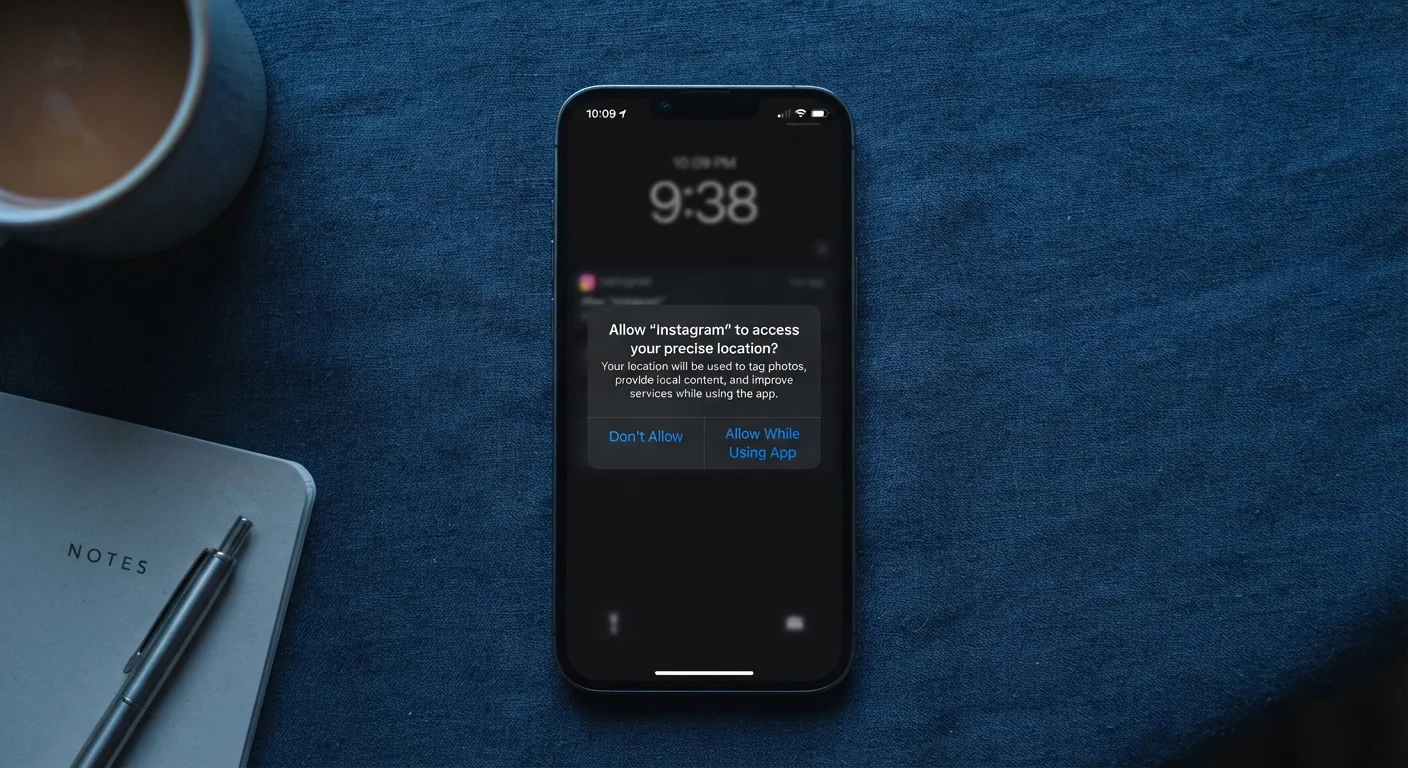
Why App Permissions Deserve a Second Look
When you download an app, it almost immediately asks for access to something — your location, your camera, your microphone, your contacts. Most people tap Allow and move on without thinking twice. That reflex is understandable, but it has real consequences for your privacy and, in some cases, your security.
App permissions are the gateway through which software accesses your device's hardware, data, and personal information. Granting them isn't inherently wrong — a navigation app genuinely needs your location to work. But not every request is that straightforward, and the habit of approving all permissions automatically leaves you with far less control over your own data than you might realize.
As explored in our look at everyday tech habits that quietly reduce security, ignoring permission requests is one of the most common ways people inadvertently expose themselves to risk without realizing it.
A Practical Framework for Evaluating Permission Requests
The core question to ask when any permission dialog appears is simple: Does this app need this access to perform the task I downloaded it for? If the answer is clearly yes, granting it is reasonable. If the answer is unclear or obviously no, that friction is worth acting on.
Start With 'Deny' and Upgrade as Needed
A useful default approach is to deny permissions on first request and grant them only when the app actually fails to work without them. This surfaces which permissions are truly necessary versus which are simply being requested opportunistically. Many apps function perfectly well with fewer permissions than they initially ask for.
Both iOS and Android now offer granular permission controls that go beyond a binary allow-or-deny. You can often choose to grant access only while the app is in use, grant it just once, or deny it entirely — and revisit that decision later. These options give you meaningful flexibility without breaking functionality you actually want.
It's also worth periodically auditing which apps have which permissions, especially on devices you've owned for years. Our guide on things worth auditing before reusing an old device covers this in the context of repurposing hardware, but the same audit logic applies to any device in active use.
What to Do After You've Granted Permissions
Permissions aren't permanent commitments. If you approved something hastily at install time, you can go back and change it. On most smartphones, navigating to Settings → Apps → → Permissions (Android) or Settings → Privacy & Security → (iOS) shows exactly what each app can access — and lets you adjust it.
It's also worth knowing that deleting an app doesn't automatically erase the data it already collected. That's a separate issue covered in depth in what actually happens to your data when you delete an app, but the key point here is that thoughtful permission management from the start reduces what gets collected in the first place.
Permissions Can Change After an App Update
App updates sometimes introduce new permission requests, especially after a major version change or if the app adds new features. It's worth checking your permission settings after significant updates, not just at initial install. Developers are generally required by platform policies to request new permissions explicitly, but staying attentive means you won't miss it.
Approaching permissions thoughtfully is less about paranoia and more about applying the same deliberate thinking you'd bring to any decision involving access to your personal information. The tools to do this are already built into your device — using them is simply a matter of habit.
The content on this site is for informational purposes only and is not a substitute for professional advice. Always consult a qualified professional for guidance specific to your situation.