

Our Verdict
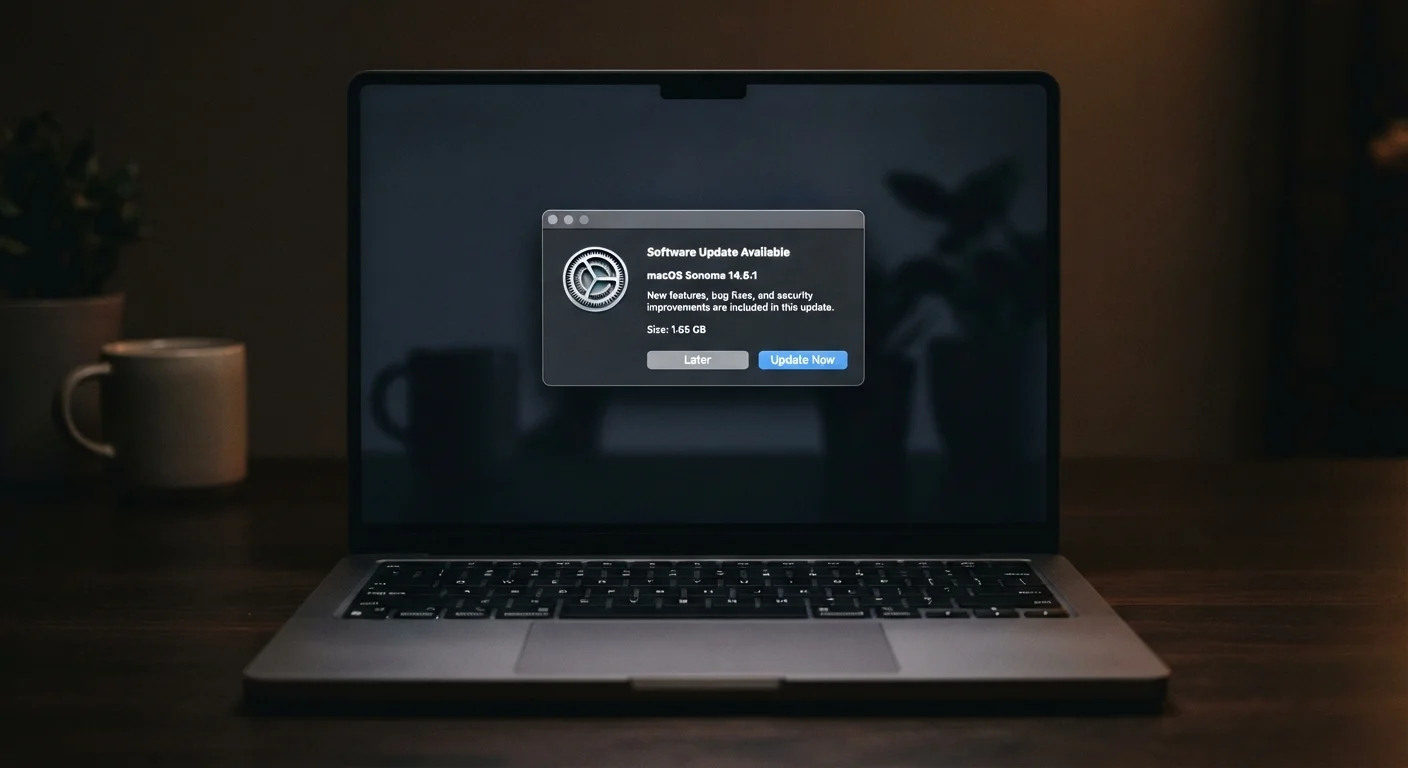
Software updates are an essential part of responsible device ownership. The security benefits alone justify installing them promptly, even if occasional slowdowns or compatibility hiccups are frustrating. Understanding what updates actually contain helps you make informed decisions rather than reflexively hitting 'Remind Me Later.'
Anyone who uses a smartphone, tablet, or computer and wants to keep their devices secure, stable, and performing as well as possible over time.
What Software Updates Actually Contain
The word "update" undersells the package. When your phone or computer prompts you to install one, it typically delivers several distinct types of changes bundled together:
- Security patches: Fixes for vulnerabilities — flaws in the software's code that attackers could exploit to access your data, install malware, or take control of your device.
- Bug fixes: Corrections for errors that cause crashes, freezes, or unexpected behavior.
- Performance improvements: Changes to how software manages memory, battery, or processing that can make your device run more efficiently.
- Feature additions or changes: New capabilities, redesigned menus, or adjustments to how existing tools work.
- Compatibility updates: Adjustments that ensure apps and hardware continue to work together as the broader tech ecosystem evolves.
Security patches are often the most critical category. When a vulnerability is discovered, software makers race to release a fix — but the clock is ticking, because the same vulnerability often becomes public knowledge, making it a target. This is why skipping updates is covered in more detail in our guide to tech habits that quietly make devices less secure.
The Case for Staying Current
Closes known security vulnerabilities quickly
Security patches address specific, documented flaws that attackers actively target. Installing them promptly removes a known attack vector before it can be exploited on your device.
Improves performance and battery efficiency
Many updates include optimizations to how the operating system manages resources, which can translate to faster response times and better battery life — even on existing hardware.
Keeps apps and hardware working together
As apps and connected devices evolve, OS updates maintain compatibility, preventing the slow degradation where apps crash or features stop functioning on older software versions.
Delivers new features without buying new hardware
Manufacturers frequently add capabilities — improved camera processing, accessibility tools, or UI improvements — through software, extending the useful life of your existing device.
Fixes bugs that affect everyday use
Crashes, connectivity glitches, and app freezes are often caused by known bugs that have already been corrected in a pending update — installing it can resolve frustrating issues immediately.
Beyond security, updates are the mechanism by which your device improves over time without you having to buy new hardware. Manufacturers routinely roll out optimizations that extend battery life, fix memory leaks (where software gradually consumes more memory than it should), and improve system stability. Staying current also ensures that the apps you rely on continue to work correctly — many apps require a minimum OS version and quietly stop functioning or updating on outdated systems.
For a broader view of how regular updates fit into a complete device care routine, see our practical device maintenance checklist.
The Real Drawbacks Worth Knowing
Can temporarily slow down older devices
New software is often optimized for current hardware. On older devices, a major update may demand more processing power or memory than the device handles comfortably, causing noticeable slowdowns.
Requires a restart at inconvenient times
Most updates require the device to reboot, which interrupts active work. Without scheduled installation, this can happen at unpredictable moments during the day.
Early releases sometimes introduce new bugs
Software updates themselves occasionally contain errors not caught during testing. First-wave releases of major OS updates sometimes have issues that are fixed in a subsequent patch within days or weeks.
Can break compatibility with specific apps
Older or niche apps that haven't been updated by their developers may stop functioning correctly after a system update, creating friction for users who depend on them.
Understanding the downsides isn't a reason to avoid updates — it's a reason to install them strategically. If you're on older hardware, it's worth checking community feedback after a major update releases before installing. And if a restart feels disruptive during your day, scheduling updates to install overnight is a practical workaround. This is related to something many readers notice: why devices sometimes feel slower after an update — the causes are usually temporary and explainable.
Major vs. Minor Updates: Not the Same Risk
There's a meaningful difference between a small security patch and a full operating system version upgrade. Security patches are low-risk and time-sensitive — they should be installed promptly. Major version upgrades are worth waiting a short period on, allowing early-adopter issues to surface and be addressed. Your device's settings typically distinguish between these update types.
When and How to Update Wisely
Timing matters more than most people realize. Major operating system updates — the kind that change version numbers (like moving from one major iOS or Android release to the next) — are worth letting sit for a week or two after release. Early adopters sometimes encounter compatibility issues that are quickly patched in follow-up releases.
Smaller security and bug-fix updates, however, are worth installing promptly. Here's a practical approach:
- Enable automatic updates for security patches where your device allows it — these rarely cause disruption.
- Schedule large updates for low-usage windows, such as overnight, so restarts don't interrupt your work.
- Back up your device before installing major OS upgrades — while data loss is rare, it's a sensible precaution.
- Check that your critical apps are compatible before upgrading your OS, particularly on a work device.
Much like skipping routine car servicing — where small issues compound into larger ones — deferring maintenance has a habit of creating bigger problems down the line. The same principle applies to your software.
60%+
Of breaches involve unpatched vulnerabilities
Industry cybersecurity analyses have consistently found that a majority of successful breaches exploit known vulnerabilities for which patches were already available.
Days to weeks
Typical window before exploits go public
Once a software vulnerability is publicly disclosed, security researchers and malicious actors alike begin developing ways to exploit unpatched devices, narrowing the safe window for updates.
The content on this site is for informational purposes only and is not a substitute for professional advice. Always consult a qualified professional for guidance specific to your situation.