

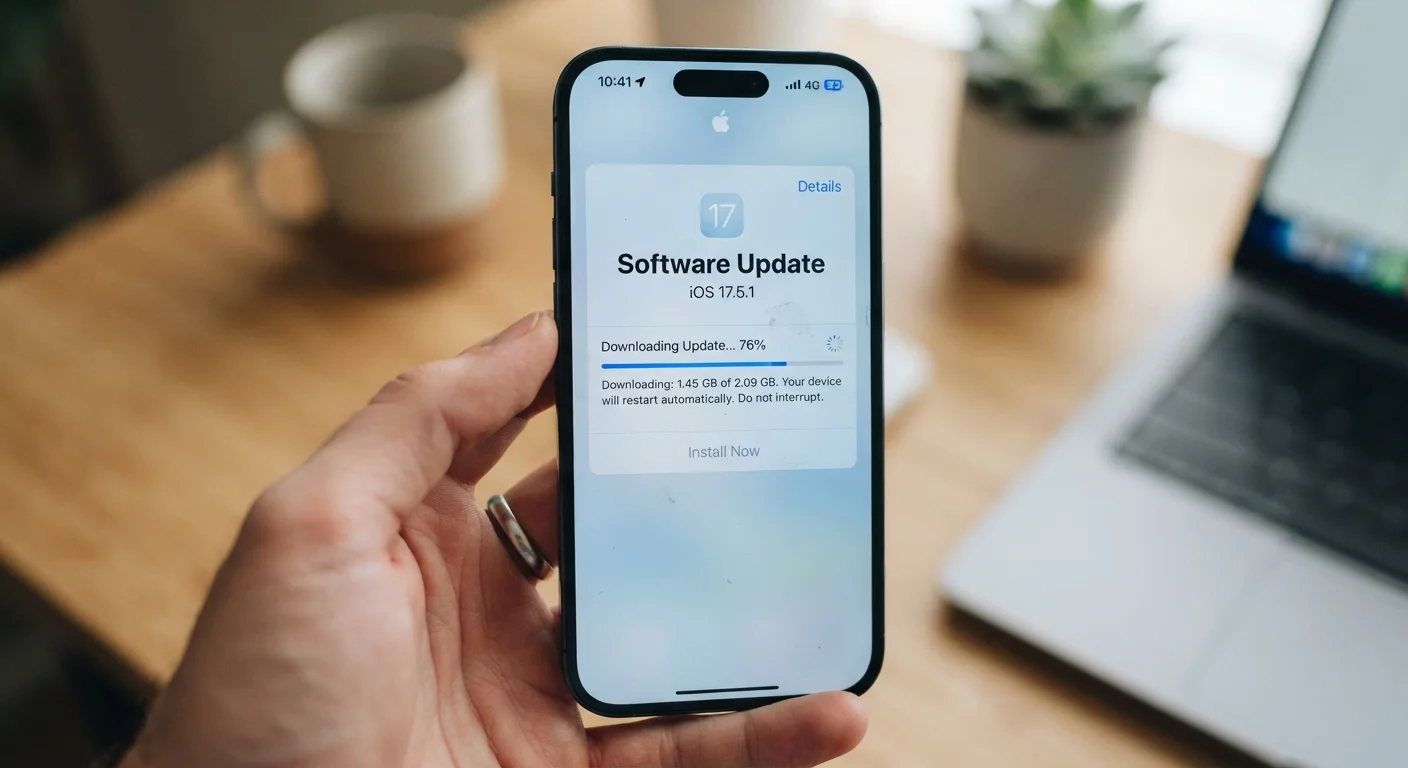
What's Actually Happening Inside Your Device After an Update
When a software update finishes installing, most people expect their device to immediately feel improved — faster, smoother, more capable. Instead, it sometimes feels like wading through mud. This experience is common, and it has a specific technical explanation.
Large software updates — particularly full operating system upgrades — require the device to do significant housekeeping after installation. The system re-indexes files so it knows where everything is, recompiles app code to work efficiently with the new software environment, and rebuilds caches for photos, contacts, and search. All of this happens in the background while you're trying to use the device, competing for the same processor time and memory your apps need to run.
This is normal behavior, not a malfunction. The issue is that most users aren't told it's happening, so a sluggish device feels like evidence that the update broke something. Understanding what software updates actually change can make this window far less alarming.
24–72 hrs
Typical duration of post-update background optimization
Device manufacturers and OS developers commonly cite this window as the period during which indexing and optimization tasks run most intensively after a major update.
~15%
Minimum free storage recommended before updating
Most operating system documentation recommends keeping at least this much storage free to ensure updates install correctly and the OS can manage temporary files.
Common Mistakes That Make Post-Update Slowdowns Worse
While some post-update slowdown is unavoidable, several common mistakes can intensify or prolong the experience. Avoiding them can mean the difference between a device that recovers quickly and one that feels permanently degraded.
Assuming the update itself is defective when the device slows down immediately after installation.
Why it happens: The slowdown is real and noticeable, so it's natural to blame the most recent change — the update. Readers often don't know about background processes that run silently after installation.
Skipping a device restart after installing a software update.
Why it happens: Many updates prompt a restart automatically, but some don't — and users often dismiss restart prompts to avoid interruption. Without a proper restart, old system processes continue running alongside new ones, creating conflicts.
Updating without checking available storage space first.
Why it happens: People accept update prompts when they appear without considering whether the device has enough free space to handle both the installation and the system's ongoing need for working storage.
Ignoring the impact of aging hardware on post-update performance.
Why it happens: Software updates are designed for a range of devices, including newer models with faster processors and more RAM. Older hardware running the same update may simply lack the resources the newer software expects.
Leaving too many apps set to auto-refresh in the background after an update.
Why it happens: After an update, apps often re-sync data and reset background activity settings. Users rarely review which apps are consuming processor and battery resources in the background.
Low Storage Makes Everything Worse
If your device has less than 10–15% of its total storage free, a software update can push performance from slow to nearly unusable. Operating systems need working space to complete indexing, write temporary files, and run efficiently. Before updating, clear out unused apps, old photos backed up to the cloud, and cached data to give your system room to breathe.
Good long-term habits — like managing storage regularly and keeping apps trimmed — also reduce the severity of every future update. For practical guidance, the article on habits that help devices run longer covers the fundamentals in detail.
Don't Roll Back Without Good Reason
Reverting to an older software version might seem like a quick fix for post-update sluggishness, but it typically reintroduces security vulnerabilities that the update was specifically designed to close. Most slowdowns after an update resolve on their own within 24–72 hours. Give your device time to finish its background processes before concluding the update itself is the problem.
When the Slowdown Doesn't Go Away
If your device remains noticeably slower more than a week after an update, something beyond normal post-update activity may be at play. The most common culprits are insufficient free storage, an app that is misbehaving with the new OS version, or hardware that has genuinely reached its limits for the software it's now running.
Start with the basics: restart the device, clear app caches, and free up storage space. If a specific app seems to be the source of the problem, check whether the developer has released an update compatible with the new OS version. Finally, a routine maintenance checklist can surface ongoing issues that a single update didn't cause but may have exposed.
Persistent slowness after all of these steps may signal that the device's hardware — particularly its RAM or processor — is no longer well-matched to the demands of current software. That's a practical reality for devices more than four to five years old, and it's worth factoring into decisions about whether to continue updating or to plan for a replacement.
The content on this site is for informational purposes only and is not a substitute for professional advice. Always consult a qualified professional for guidance specific to your situation.