

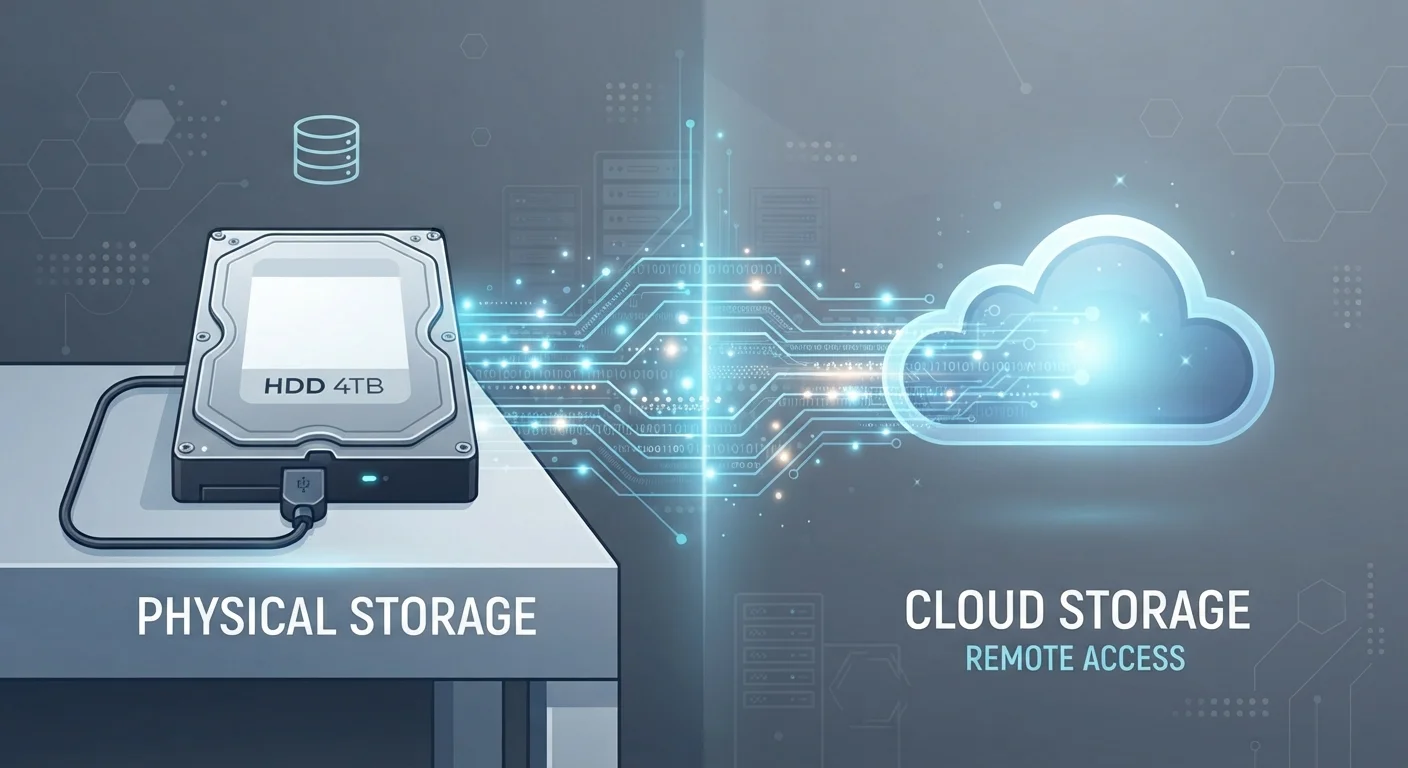
Option A
Cloud Storage
The always-accessible, internet-dependent option.
Best for: Users who need files available across multiple devices or want automatic off-site backups.
Option B
Local Storage
The private, offline-first approach to keeping files.
Best for: Users who prioritize full control, privacy, and access without depending on an internet connection.
What Each Approach Actually Means
Cloud storage means your files are saved on remote servers maintained by a third-party provider and accessed over the internet. When you save a photo to a cloud service, it travels from your device to a data center — sometimes thousands of miles away. For a fuller picture of where that data actually goes, see The Cloud, Demystified.
Local storage means files are saved directly on physical hardware you own — a laptop's internal drive, an external hard drive, a USB stick, or a phone's built-in memory. No internet required, no intermediary involved.
These two approaches differ not just in where data lives, but in how you access it, who controls it, and what happens when something goes wrong.
| Criterion | Cloud Storage | Local Storage |
|---|---|---|
| Internet required | Yes | No |
| Access across devices | Any device, anywhere | Requires physical media |
| Cost model | Ongoing subscription | One-time hardware cost |
| Data privacy | Third-party holds data | User retains full control |
| Off-site backup | Built-in | Requires separate setup |
| Risk of data loss | Provider outage or breach | Hardware failure or theft |
| Scalability | Easily expanded (for a fee) | Limited by hardware capacity |
Access, Convenience, and Connectivity
Cloud storage's defining advantage is device-agnostic access. Edit a document on your laptop at home, open it on your phone during a commute, and pick up on a work computer — all without manually transferring files. That convenience depends entirely on a stable internet connection. In low-signal areas or during outages, cloud files may be unreachable unless you've enabled offline sync.
Local storage works whether or not you're online. A file saved to an external drive is available whenever the drive is plugged in — no passwords, no server status pages to check. The trade-off is physical dependency: you need the device with you, and transferring files between machines requires deliberate action.
Offline Sync: A Middle Ground
Most major cloud services offer an offline sync feature that downloads a local copy of selected files to your device. Changes sync automatically when you reconnect to the internet. This gives you the portability of cloud storage with the offline reliability of local access — though it does consume space on your device's drive.
Privacy, Security, and Control
With local storage, your data doesn't leave your hands. No provider scans, indexes, or retains copies of your files. This matters for sensitive documents — legal records, financial files, personal photographs — where you may prefer zero third-party involvement.
Cloud providers implement serious security measures, including encryption in transit and at rest. However, your files are subject to the provider's privacy policy, terms of service, and — in some jurisdictions — potential legal requests. Account compromise is also a real risk: if someone gains access to your login credentials, your files are exposed.
Local storage has its own vulnerabilities. A stolen laptop, a failed hard drive, or a house fire can destroy data permanently. That's why security professionals often recommend the 3-2-1 rule: three copies of your data, on two different media types, with one stored off-site — which is exactly what cloud backup provides.
3-2-1
The backup rule security experts recommend
The 3-2-1 backup strategy — three copies, two media types, one off-site — is widely endorsed by data security professionals as the baseline for protecting important files.
~5 years
Average lifespan of a mechanical hard drive
Industry estimates generally place the average operational lifespan of a traditional HDD at three to five years, underscoring why local storage alone carries long-term risk.
Cost Structure and Long-Term Value
Cloud storage typically runs on a subscription model. Free tiers exist but carry storage caps; exceeding them means a recurring monthly or annual fee that accumulates over time. As your storage needs grow, so does the cost.
Local storage involves a one-time hardware purchase. A high-capacity external hard drive or solid-state drive (SSD) represents a fixed expense with no ongoing fees. The downside is hardware has a finite lifespan — drives can fail, especially older mechanical hard disk drives (HDDs) — so periodic replacement is a real consideration.
For users storing large media libraries or archives, local storage often becomes more economical over a multi-year horizon. For those who value automatic syncing and off-site backup without managing hardware, cloud subscriptions offer straightforward utility. Understanding how storage interacts with overall device performance is also worth exploring — see RAM vs. Storage for context on how device memory and storage work together.
For a deeper side-by-side breakdown tailored to everyday use cases, our full comparison for everyday users covers accessibility and reliability in greater detail.
The content on this site is for informational purposes only and is not a substitute for professional advice. Always consult a qualified professional for guidance specific to your situation.