

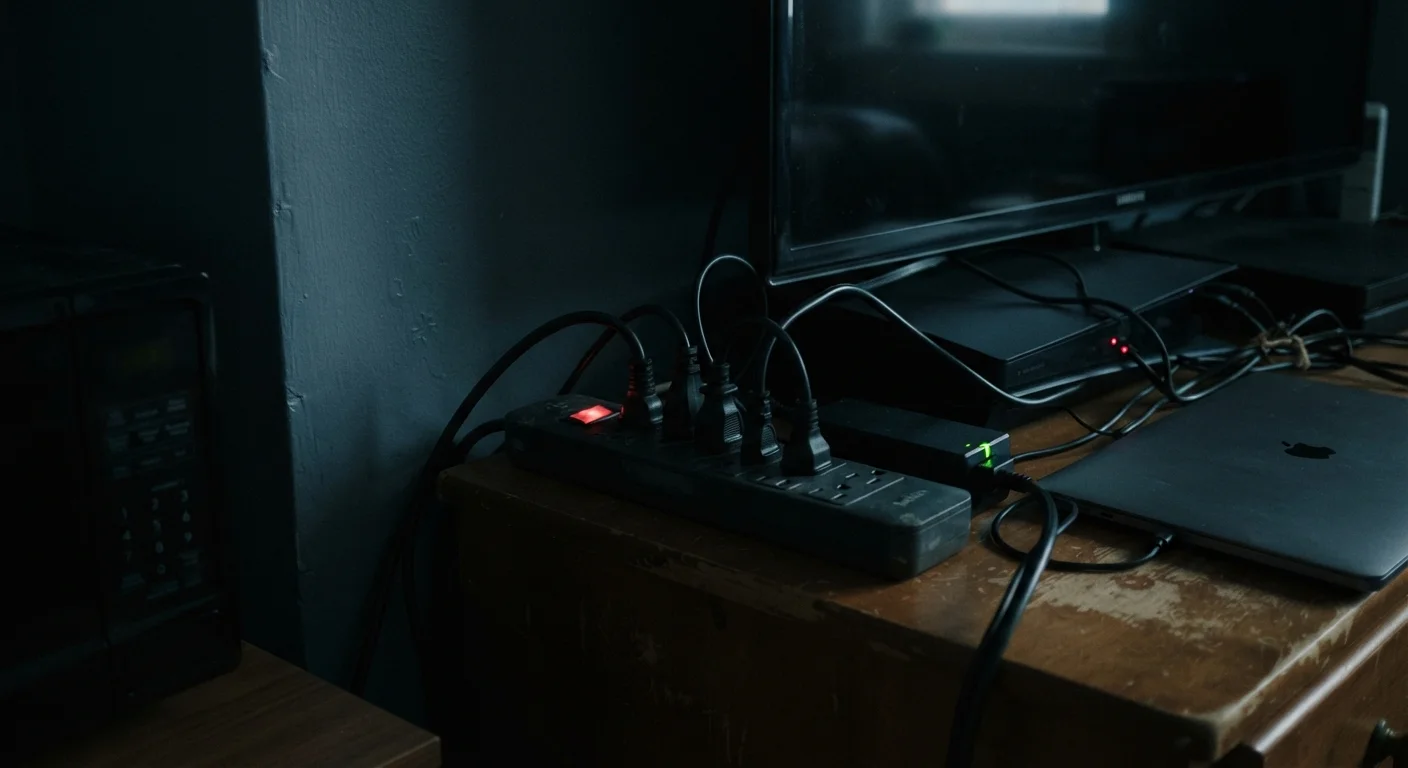
Why 'Off' Doesn't Mean Zero
When you press the power button on your television or close your laptop lid, the device enters a low-power waiting state rather than shutting down completely. Engineers build this behavior intentionally. A TV needs to detect the remote control signal at any moment; a streaming device needs to download updates overnight; a microwave needs to display the time. All of that readiness requires a continuous trickle of electricity.
This phenomenon goes by several names: standby power, phantom load, or vampire power. The underlying mechanism is the same — the device's power supply remains partially active, converting AC wall current into the low-voltage DC its internal circuits need to stay alert.
Standby vs. Sleep Mode: A Useful Distinction
Consumer electronics 'standby' and computer 'sleep mode' are related but distinct concepts. Sleep mode on a laptop or desktop is a software-managed low-power state that preserves your session in RAM and can draw 1–5 watts depending on the system. Consumer electronics standby is typically a hardware-level idle state. Both draw power continuously; the specific amount varies widely by device age, design, and settings.
It's worth noting that standby power is not the same as sleep mode on a computer, though both are low-power states. Sleep mode is an active software state; standby on consumer electronics typically refers to hardware-level idle draw that continues as long as the device is plugged in.
The Biggest Culprits in a Typical Home
Not all devices are equal offenders. The Lawrence Berkeley National Laboratory has conducted extensive research into residential standby consumption, and a few categories stand out consistently.
5–10%
Share of home electricity from standby power
The U.S. Department of Energy estimates that standby power accounts for roughly 5–10% of residential electricity consumption in American homes.
~15–30W
Typical DVR standby draw
Research from the Lawrence Berkeley National Laboratory found that DVR set-top boxes are among the highest standby energy consumers in U.S. residences.
8.76 kWh
Annual energy cost of 1 watt continuous draw
A single device drawing 1 watt continuously for one full year consumes approximately 8.76 kilowatt-hours — a useful baseline for estimating the cost of any standby device.
- Set-top boxes and cable/satellite receivers are among the worst offenders because they record scheduled programs, maintain an active network connection, and often run hard drives — all while appearing off. A single DVR can draw 15–30 watts continuously.
- Game consoles vary widely by model and settings. Consoles configured to update automatically in standby can pull 10–15 watts or more even when idle.
- Older desktop computers and monitors left in standby rather than fully shut down consume significantly more than modern energy-efficient equivalents.
- Chargers and power adapters — phone, tablet, and laptop — continue drawing a small load when plugged in but not connected to a device.
- Smart home devices such as voice assistants are technically always listening, which requires a persistent, if small, power draw.
Just as overlooked budget line items compound quietly into a meaningful annual figure, each small phantom draw adds up across a household full of devices.
How to Measure and Reduce Your Phantom Load
The most reliable way to understand your own home's standby consumption is to use a plug-in energy monitor — a small device that sits between an appliance and the wall outlet and reports real-time wattage. These tools let you move through your home and identify which devices draw the most power while idle, so you can make informed decisions about where to act first.
Start With the Biggest Draws First
Before unplugging everything in your home, use a plug-in energy monitor to identify which specific devices draw the most standby power. Targeting your top three or four offenders — often a DVR, game console, or older desktop — delivers the majority of potential savings with minimal lifestyle disruption.
For reduction strategies, the options range from effortless to more deliberate:
- Unplug chargers when no device is connected — a simple daily habit that eliminates their continuous draw.
- Use smart power strips to cut power to clusters of entertainment or office equipment automatically when the primary device is off.
- Adjust console and set-top box settings to disable background downloads or choose energy-saving standby modes where the manufacturer provides them.
- Fully shut down desktop computers instead of leaving them in sleep or standby mode overnight.
If you're thinking about your devices more broadly, habits that extend device longevity often overlap with energy-conscious behavior — both reward deliberate, mindful use over passive defaults. And if you've heard that leaving devices plugged in damages them, it may be worth checking which popular gadget beliefs actually hold up.
Putting It in Perspective
Phantom load is a real and measurable phenomenon, but it exists on a spectrum. A single device drawing 1–2 watts is unlikely to reshape your electricity bill on its own. The cumulative picture, however — a home with 30 or 40 devices maintaining standby draws around the clock — is where the impact becomes meaningful.
“The average home has dozens of products constantly drawing power. Many consumers are surprised to learn that a significant fraction of their electricity bill comes from devices they believe are turned off.”
— Lawrence Berkeley National Laboratory, U.S. Department of Energy research institution studying residential energy consumption
Understanding standby power is useful beyond the household context. Similar principles apply to how car batteries drain from parasitic loads — small electrical draws from modules and sensors that persist even when a vehicle is parked and locked.
The practical takeaway is straightforward: you don't need to unplug every device in your home, but being selective about the highest-draw offenders — particularly set-top boxes, older game consoles, and clusters of entertainment equipment — can make a noticeable difference over the course of a year. Awareness, more than any specific action, is the foundation of managing what your home consumes quietly, around the clock.
Frequently Asked Questions
Pressing the off button on a TV switches it to standby mode, not a complete power-off. The TV continues drawing a small amount of electricity to maintain its remote sensor and internal clock. Unplugging the TV or using a switched power strip cuts the draw entirely.
Modern phone chargers left plugged in without a device typically draw less than 0.5 watts. While individually minor, multiple chargers running continuously in a home add up over a year. Unplugging chargers when not in use is a simple habit with a measurable effect.
Set-top boxes (cable and satellite receivers) are consistently identified as among the highest standby consumers in U.S. homes, often drawing 15–30 watts even when not being watched. Game consoles in certain modes and older desktop computers can also rank highly.
A smart power strip detects when a primary device — such as a TV — is switched off and automatically cuts power to connected accessories like a soundbar or gaming console. This eliminates phantom load from a cluster of devices without requiring you to manually unplug each one.
The U.S. Department of Energy has estimated that standby power accounts for roughly 5–10% of residential electricity use. Exact savings depend on your home's device mix, local electricity rates, and how many devices you have plugged in continuously.
The content on this site is for informational purposes only and is not a substitute for professional advice. Always consult a qualified professional for guidance specific to your situation.